
Setting up automatic expiration for access reviews
2026-04-24Last updated
To ensure that reviewers and verifiers only review current access information, Account administrators can specify an expiration period for access reviews. If no expiration is set, reviewers may evaluate outdated data.
What you should know
- Expiration is enabled by default, with a 30-day limit.
- The expiration duration set for access reviews applies to all access reviews in the system.
- Updating the expiration setting does not retroactively modify existing access reviews. Only access reviews created after the change will use the new expiration date.
Procedure
-
In the Settings dialog, select or enter an expiration
duration.
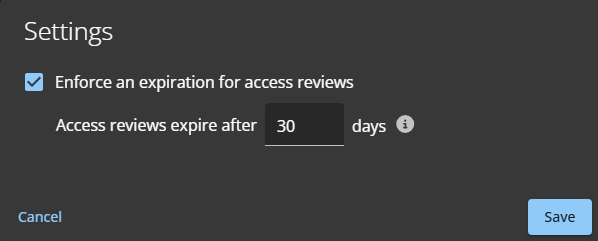 Choose a duration that meets your organization’s auditing and legal requirements.