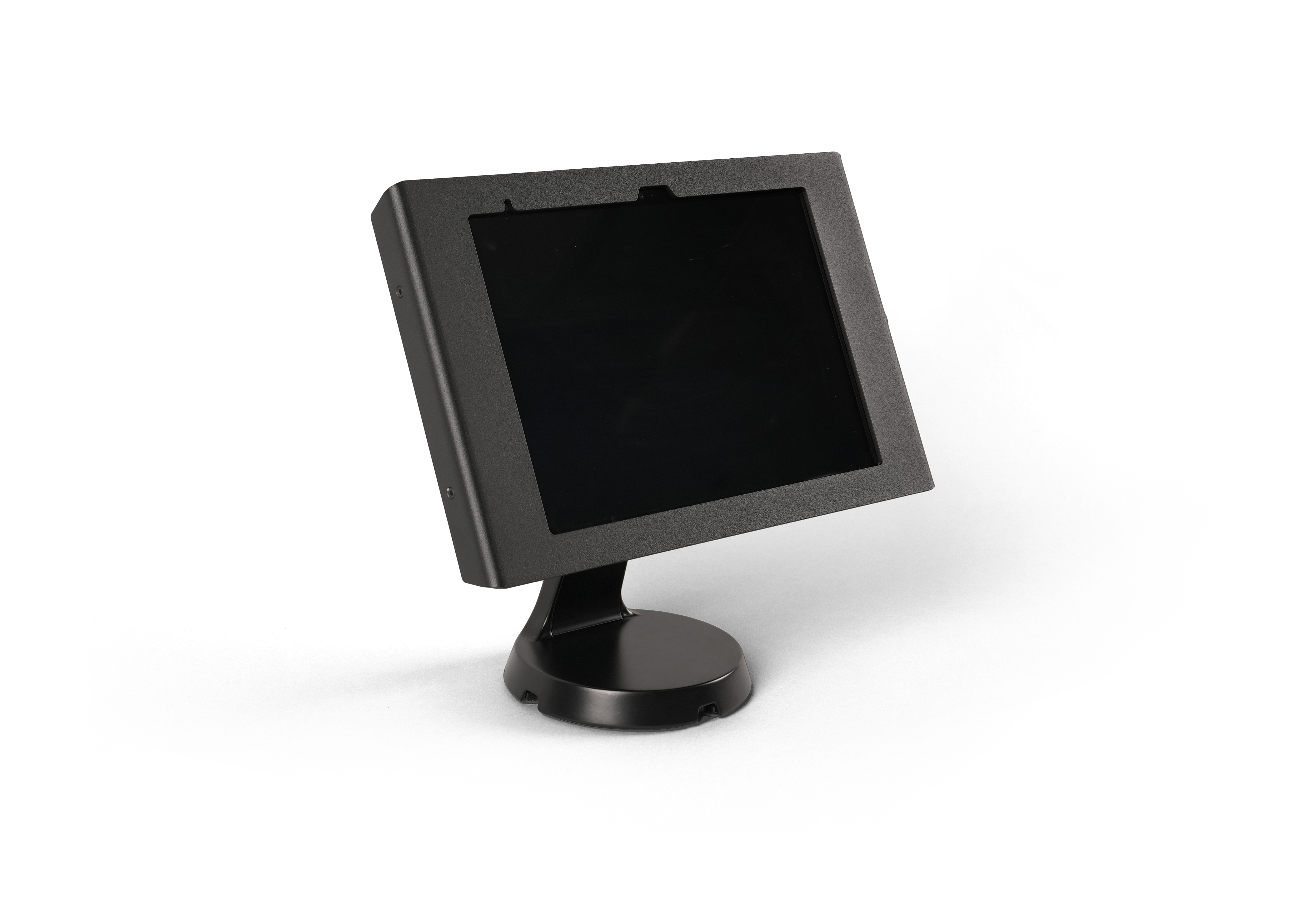
Genetec ClearID™ Self-Service Kiosk is a mobile app
that simplifies the management of visitors enrolled using the Genetec ClearID™ self-service portal. The self-service kiosk
is intended for visitor centers or gated facilities where guests check-in by
themselves.
Manage visitor check-ins with the Self-Service Kiosk
Visitors can check in at the ClearID Self-Service Kiosk
using several methods:
Scanning an invitation QR code.
Scanning an Identity Document (various ID types from more than 200 countries).
Scanning a driver's
license.
Scanning a passport or citizen card (MRZ data).
Searching for their email.
After a visitor checks in, the host is notified by email
and SMS message (if enabled).
With the ClearID Self-Service Kiosk, you can also do the following:
Screen visitors during a self-service check-in or a self-registration.
Take a photo of the
visitor1.
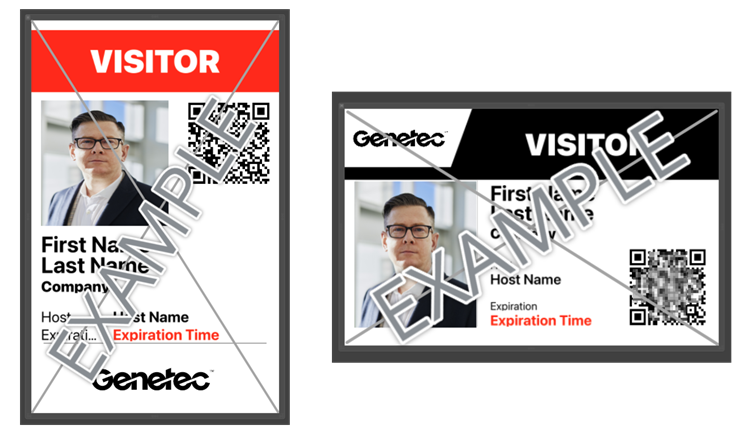
Print a visitor badge
using a wireless label printer (Bluetooth or Wi-Fi). Badges include the visitor’s photo,
name, and event information.
Enable self-registration for visitors.
Display company logos on the ClearID Self-Service Kiosk and visitor badges.
Customize welcome and assistance messages on the ClearID Self-Service Kiosk.
1This photo is only used on the printed
badge. Photos are not saved or stored.
Print visitor badges
The following examples show visitor badges in portrait and landscape orientation.Badge dimensions: 10 x 6.1 cm or 3.94 x 2.56 inches.
To download the Genetec ClearID™
Self-Service Kiosk mobile app, visit the App Store.