
About Self-Service Kiosk self registration
2026-08-11Last updated
The Genetec ClearID™ Self-Service Kiosk self-registration workflow enables unplanned visitors to register their information on-site, ensuring all guests are accounted for and screened against security policies.
Any pre-filled entries cannot be modified.
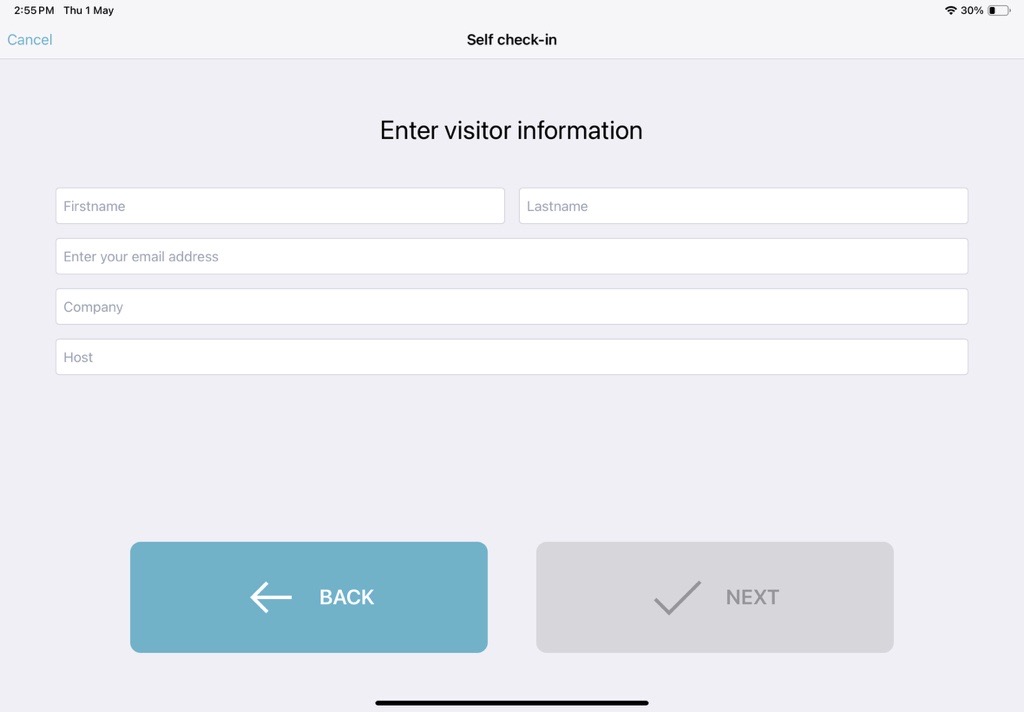
The self-registration process is linked to a site. Visitors are automatically granted default access to predefined entry-level areas (for example, front door, reception, or check-in area) to ensure a smooth check-in experience.
If the visitor is on a block list and the watchlist function is enabled, access is denied and the Watchlist manager is notified. In such cases, the visitor is advised to speak with security or reception staff.