
Setting a maximum duration for site access
2026-08-07Last updated
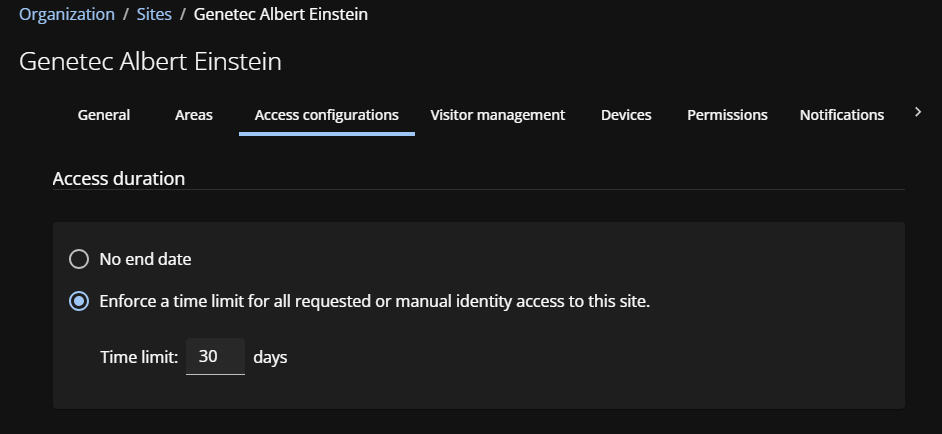
To enforce a limit for identities with temporary access, you can set a site access duration. When the maximum duration limit is reached, their access expires.
What you should know
- If the maximum site access duration function is enabled for your account, the limit is applied by default.
- Only Site owners can set the maximum access duration.
- This limit only applies to individual identities or access that was manually granted.
- This limit does not apply to role access.
Procedure
-
Click Access configurations.
 Use role groups when you have people who require permanent access to a site.