Deleting watchlists
2026-08-13Last updated
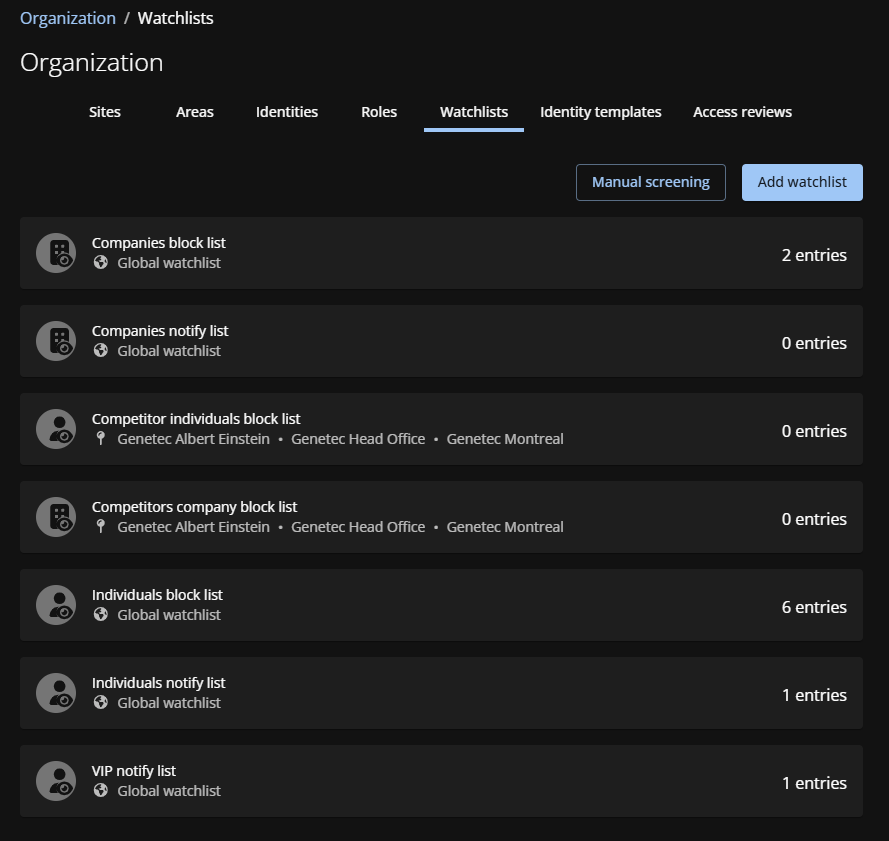
To remove unneeded lists or switch a list's scope from site-specific to global, Watchlist managers and Account administrators can delete watchlists in Genetec ClearID™.
What you should know
- A watchlist can only be deleted by the Watchlist manager who created it.
- Global watchlists can be deleted by any watchlist manager or Account administrator.
Procedure
-
From the Access management section on the sidebar, click .