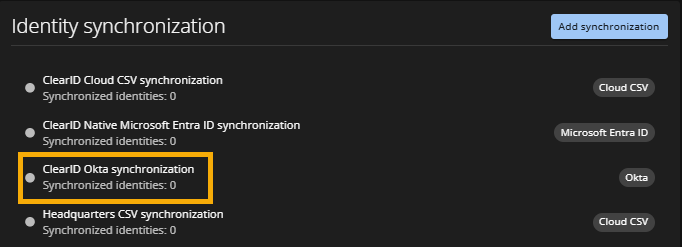
Adding an Okta synchronization configuration
2026-09-03Last updated
To enable identity synchronization between Okta and Genetec ClearID™, Account administrators must first add a new synchronization configuration in the ClearID portal.
What you should know
Procedure
- From the Access management section on the sidebar, click .
- Click Add synchronization.
-
In the New synchronization configuration dialog:
- Enter a name for the new configuration.
- Select Okta from the Synchronization type list.
- Click Save.