Adding a Microsoft Entra ID synchronization configuration
2026-07-07Last updated
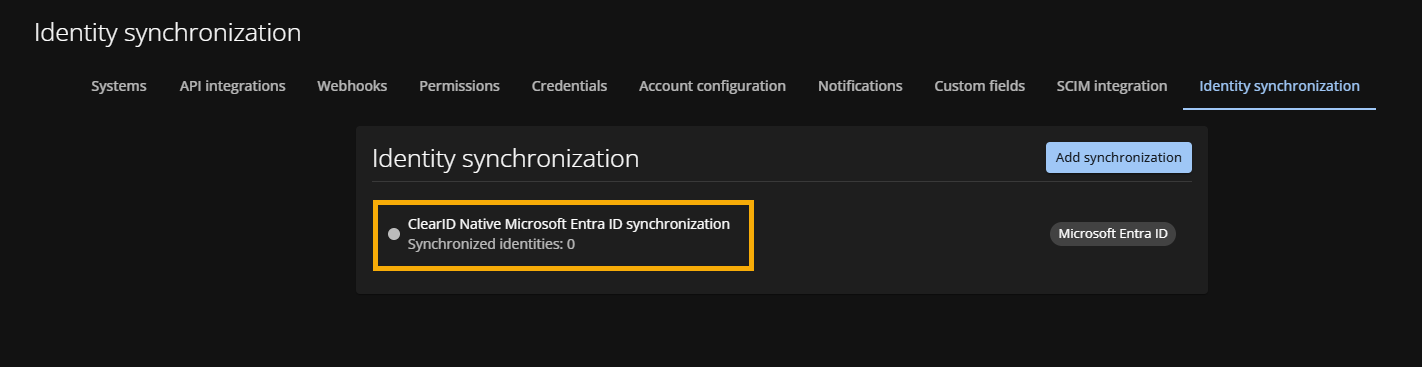
To enable identity synchronization between Microsoft Entra ID and Genetec ClearID™, Account administrators must first add a new synchronization configuration in the ClearID portal.
What you should know
Procedure
- In the ClearID web portal, click .
- Click Add synchronization.
-
In the New synchronization configuration dialog:
- Enter a name for the new configuration.
- Select Microsoft Entra ID from the Synchronization type list.
- Click Save.