Modifying visit events
2026-08-12Last updated
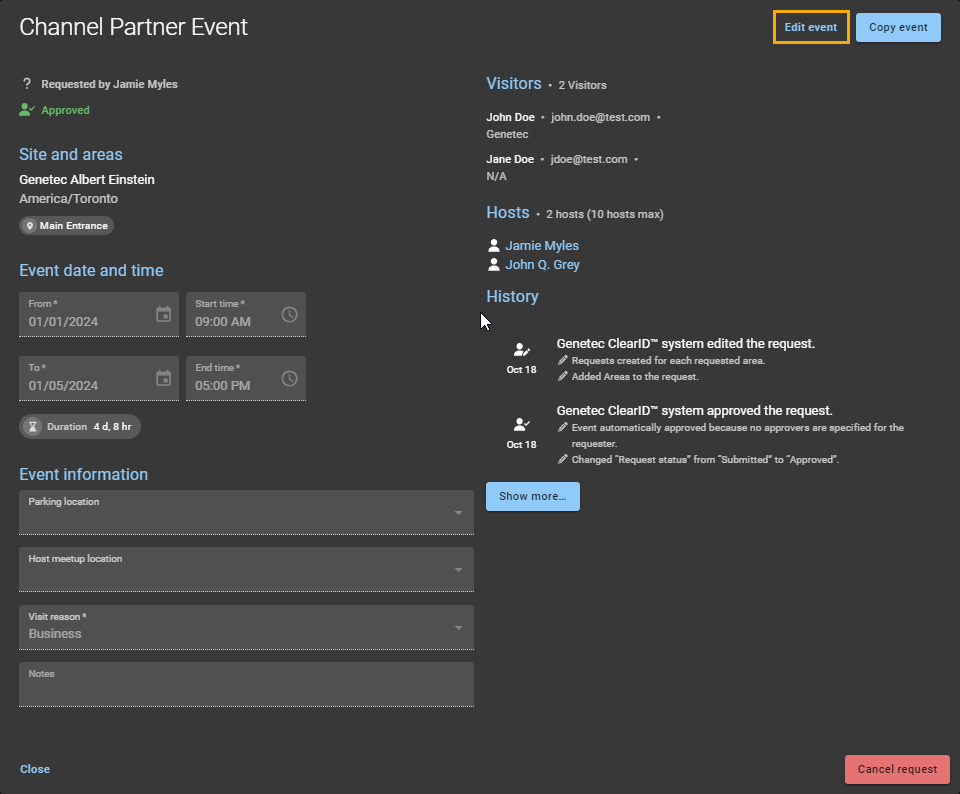
To keep attendees informed before a visit event begins, you can modify visit event details, visitors, and hosts in Genetec ClearID™.
What you should know
- Visit events can only be modified before the visit event begins.
- Updated information is included in email notifications.
- If visit event approval is enabled, the relevant approvers must reapprove any changes or additions to a visit event.
- Changing a visitor or host email sends a cancellation to the old address and a new invite to the updated address.
- Changes to visitor or host names do not trigger email notifications, but still require re-approval.
Procedure
-
Click Edit event.