Adding visit events to your calendar
2026-02-16Last updated
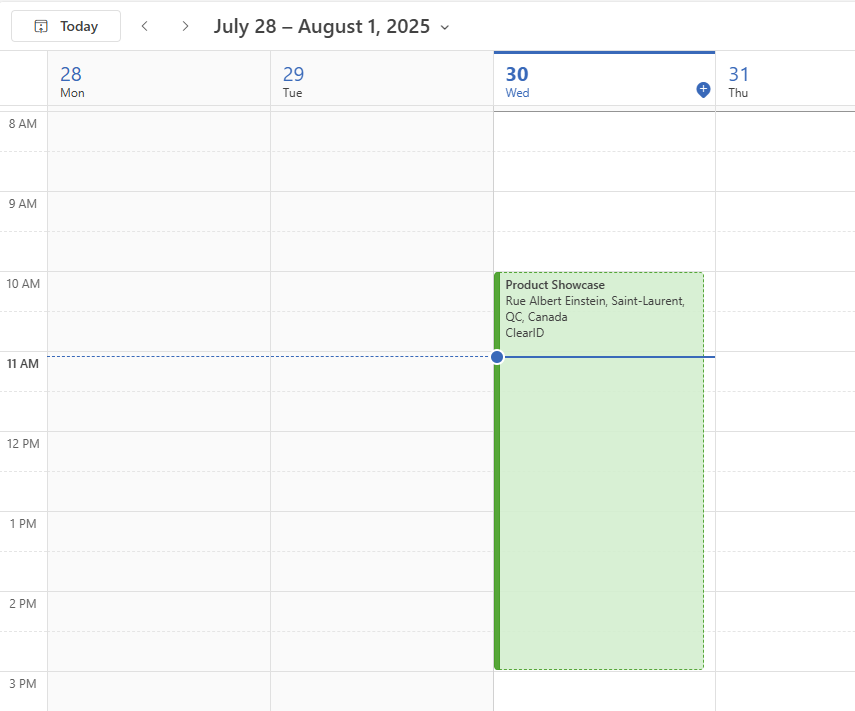
To track upcoming visits and simplify check-in, hosts and visitors can add Genetec ClearID™ visit events to their calendars using the ICS file in the confirmation email.
What you should know
- Hosts and visitors receive a confirmation email when a visit is created.
- The email includes an attached ICS file with visit details. The visitor's ICS file also includes a QR code for check-in directly from their calendar.
Procedure
- Open the visit confirmation email.
- Download the attached ICS file.
- Follow the instructions in your chosen digital calendar to add the visit event.