Adding custom provisioning attributes to an identity
2026-05-06Last updated
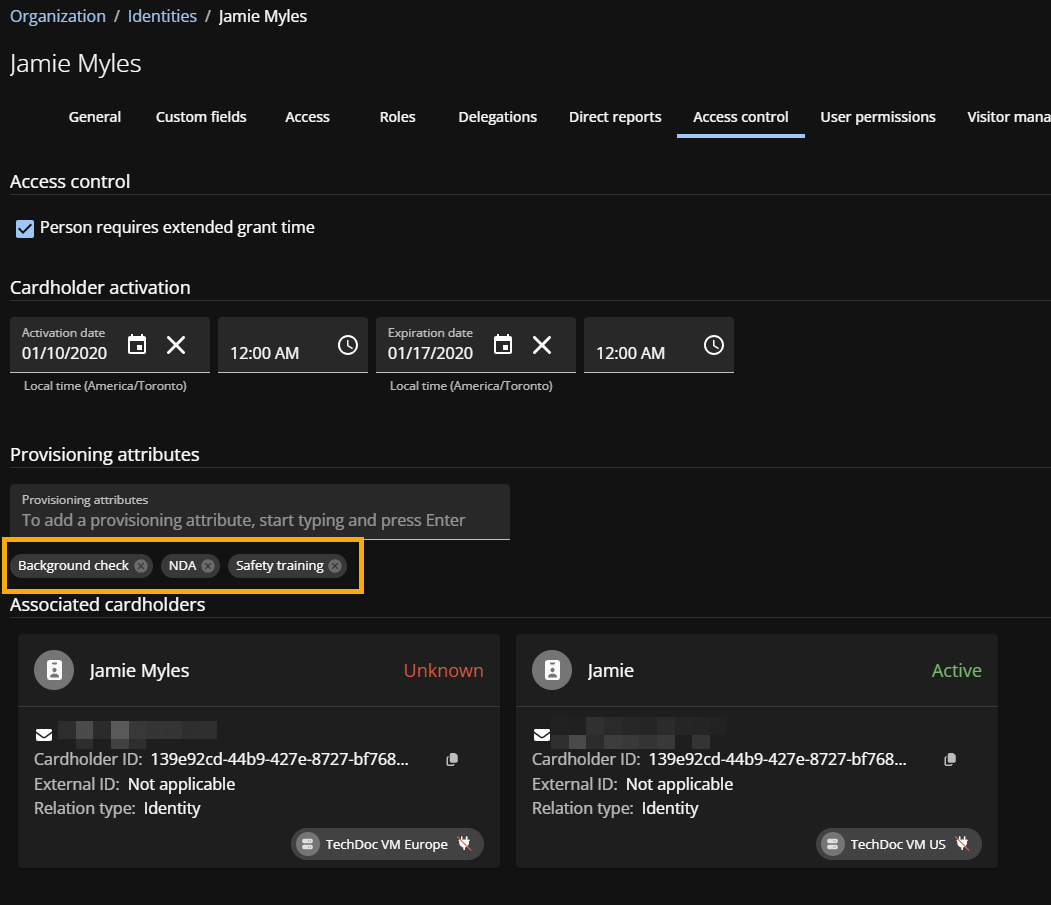
To supplement default records and enforce specialized role-based access control policies, Account administrators can manually assign custom provisioning attributes to an identity in Genetec ClearID™.
What you should know
- Custom attributes are useful when importing or synchronizing attributes from an external source.
- The current status of custom attributes can be managed using an integration. Any custom attributes that become obsolete are removed automatically.
- Custom attributes can be added or removed manually.
Procedure
-
(Optional) Click
 to
remove expired or outdated attributes.
to
remove expired or outdated attributes.
-
Click Save.