Exporting watchlist entries to a file
2026-05-06Last updated
To back up data or perform bulk editing in an external spreadsheet, Watchlist managers can export watchlist entries to a CSV file in Genetec ClearID™.
What you should know
Procedure
-
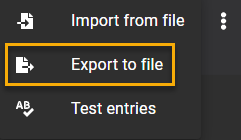
Click
 and select Export to
file.
and select Export to
file.