Customizing email notification branding
2026-02-12Last updated
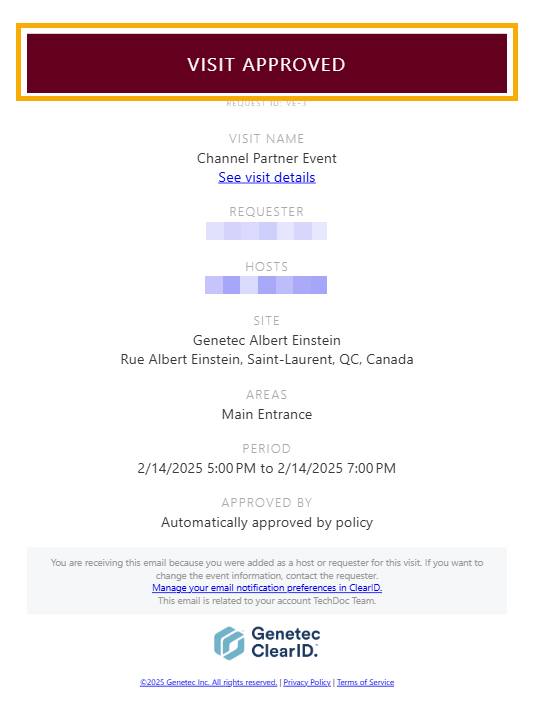
To align the system communications with your company's visual identity, Account administrators can customize the color scheme of Genetec ClearID™ email notifications.
Procedure
- In the ClearID web portal, click .
- In the Branding section, select Email theme from the Theme list.
-
In the Email theme section, configure the colors for email
notifications:
- In the Primary color field, select a color for the top banner of email notifications.
- In the Secondary color field, select a color for buttons and other UI controls in email notifications.
- (Optional) To reset the theme colors, click Restore default theme.
- Click Save.